
Build and experiment
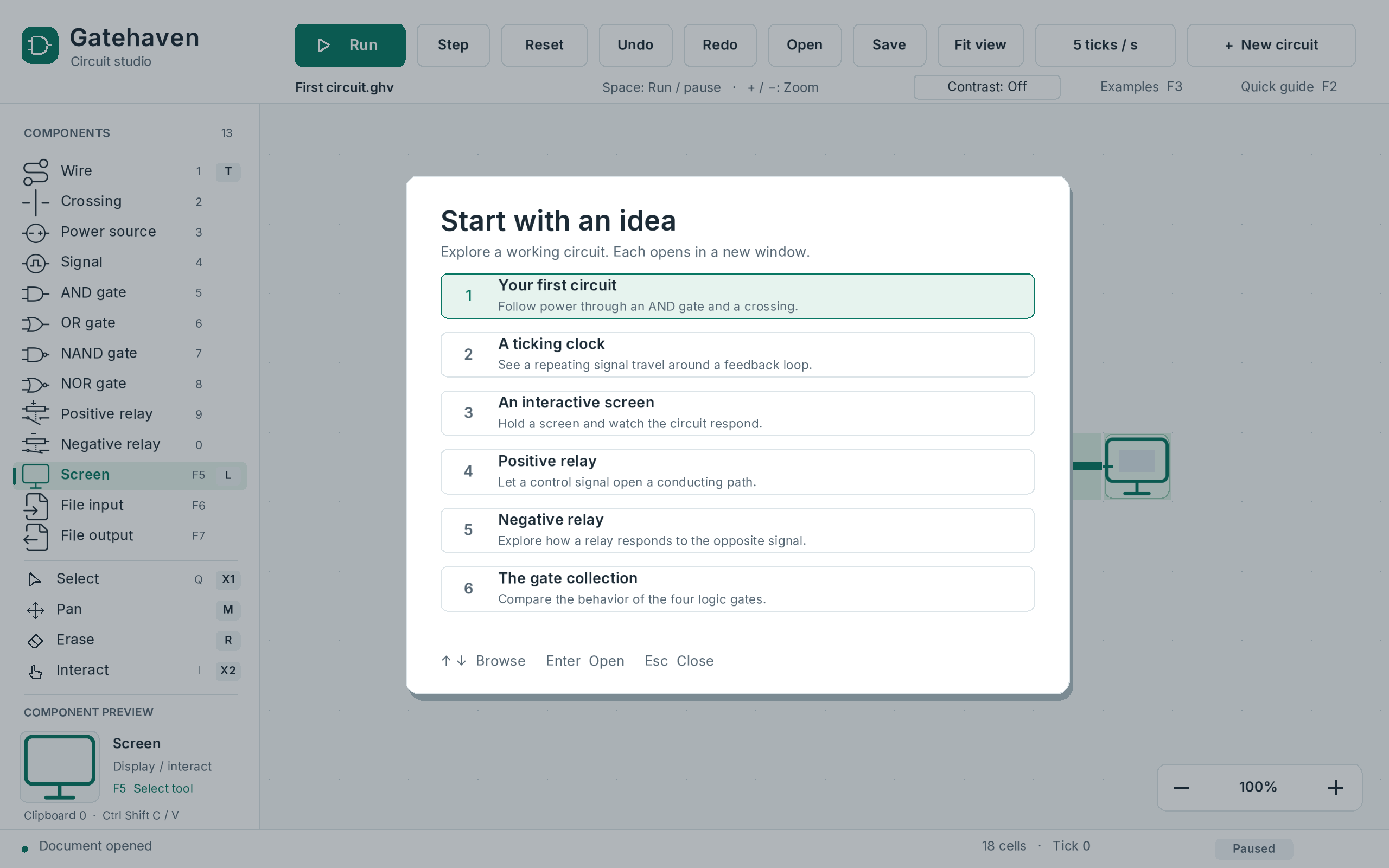
Connect gates, relays, crossings, and interactive screens. Start with a built-in lesson or draw a circuit of your own.
 CROSS-PLATFORM / C++ + SDL3
 macOS
 Linux
 Windows
I engineered Gatehaven, a cross-platform circuit simulator game in C++ and SDL3, and shipped native x64 and ARM64 previews for macOS, Linux, and Windows. Build circuits, change inputs, and trace each signal one tick at a time.
I built Gatehaven to make digital logic something you can experiment with. Draw a wire, connect a gate, change an input, and follow the result one tick at a time. Underneath the editor, I wrote a simulation core that runs independently of the window, so the same circuit rules can be tested without opening the app.
Connect gates, relays, crossings, and interactive screens. Start with a built-in lesson or draw a circuit of your own.
Run, pause, step, and reset. Watch powered paths change while horizontal and vertical crossing channels stay independent.
Sparse-grid storage, buffer reuse, and viewport culling reduced median zoom render submission/presentation time by 36.4% in paired Apple Silicon tests.
Undo and redo edits, save native circuit files, recover abandoned sessions, and share selections between app windows.
File communicators exchange binary data through explicitly selected local files. The simulation core stays independent of file dialogs and operating-system streams.
The part I care about is making each step explainable. A gate reads the previous tick’s inputs before power propagates, so the outcome follows the circuit rules rather than the order in which I happened to place the cells.
The editor stores occupied cells in a sparse grid. Drawing, moving, and pasting commit as undoable changes.
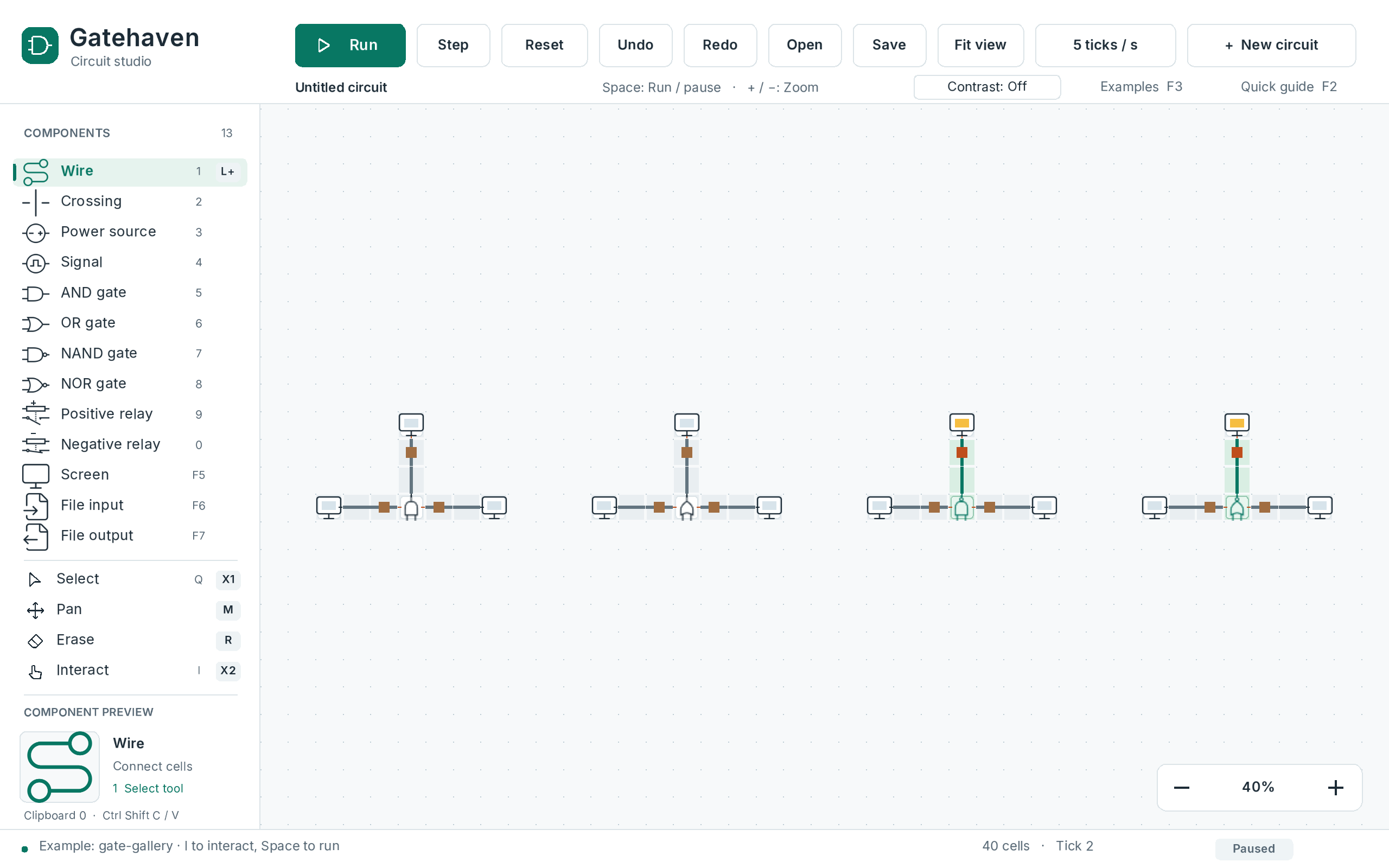
I compile circuit cells into indexed nodes and conductive components, keeping crossing axes separate. The C++23 simulation core runs independently of SDL3, so I can test the same rules through the desktop app and headless tools.
I use sparse-grid storage, reusable simulation buffers, and viewport culling to avoid storing empty cells or drawing off-screen components. Settled circuits skip propagation until an edit, reset, or live endpoint wakes them.
Native dialog callbacks pass results through a mutex-protected mailbox to the app thread. Binary file communicators exchange data through explicitly selected files; validated loads and temporary-file saves protect the current circuit.
I shipped x64 and ARM64 previews for macOS, Linux, and Windows through an 18-job CI pipeline. Every job passed for the published candidate, covering native builds, simulation, desktop workflows, package installation, and memory-safety checks.
Sparse-grid storage, reusable buffers, and viewport culling reduced median zoom render submission/presentation time by 36.4% in paired Apple Silicon tests. This describes the measured zoom workload.
Seeded differential tests compare simulation states. Crossing isolation, delayed edges, edits, resets, and legacy document round trips have explicit checks.
Separate processes test shared clipboards, competing recovery attempts, abrupt termination, and failed writes that must preserve existing work.
The CI matrix builds and exercises the app on x64 and ARM64 across all three platforms. SDL workflows cover drawing, stepping, zooming, saving, and reopening; package checks verify installed execution and release contents.
Gatehaven 0.5 Preview 1 is an unsigned development preview; the macOS app is not notarized. Automated checks do not complete the remaining hands-on accessibility, physical-device, and clean-machine acceptance work.
Download the desktop preview for your platform, follow the circuit editor manual, or read through the engine and its tests.
macOS, Linux, and Windows · Native x64 and ARM64 packages
Choose your downloadThe release page includes installation steps, checksums, and preview limitations.